提示词大全
探索、发现并复制高品质 AI 提示词。
在 Shard X,为你的 AI 助手注入灵魂。

超写实蓝眼少女特写肖像
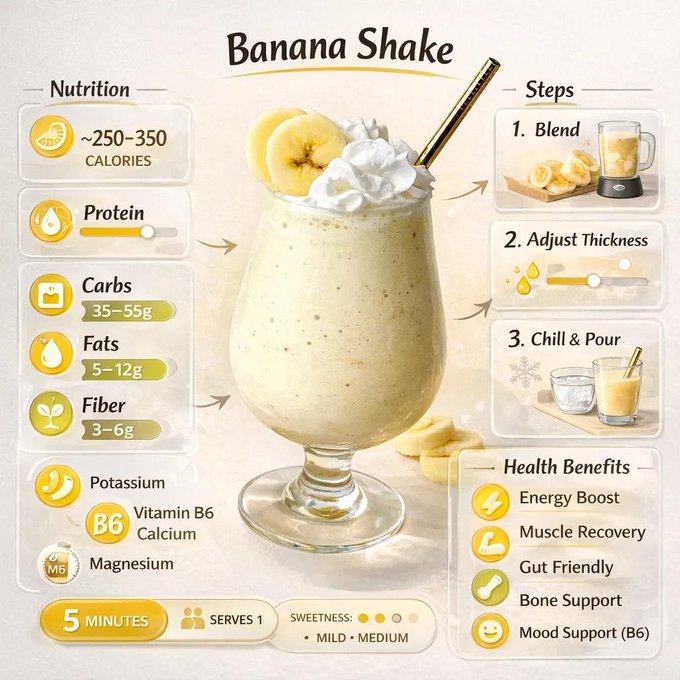
极简饮品营养海报

皮克斯风金发雀斑少女的头像

地下车库的冷艳猫耳御姐

细腻光影下的金属亮片圣诞球雕塑

俏皮少女垂钓汉堡波普艺术照

悬浮焦糖蛋筒甜品大片

超市活力少女瞬间
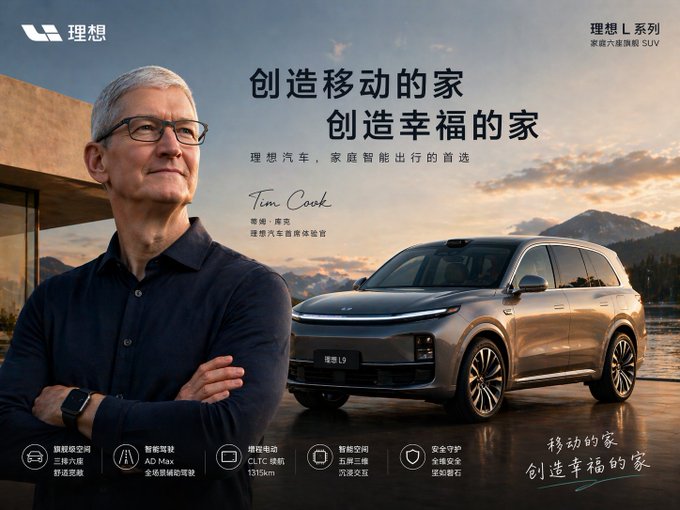
明星代言汽车海报

搭载兔子图腾的硬核实体AI

暖阳下的玻璃肌少女自拍

伦敦早春清晨咖啡馆的静谧时光少女
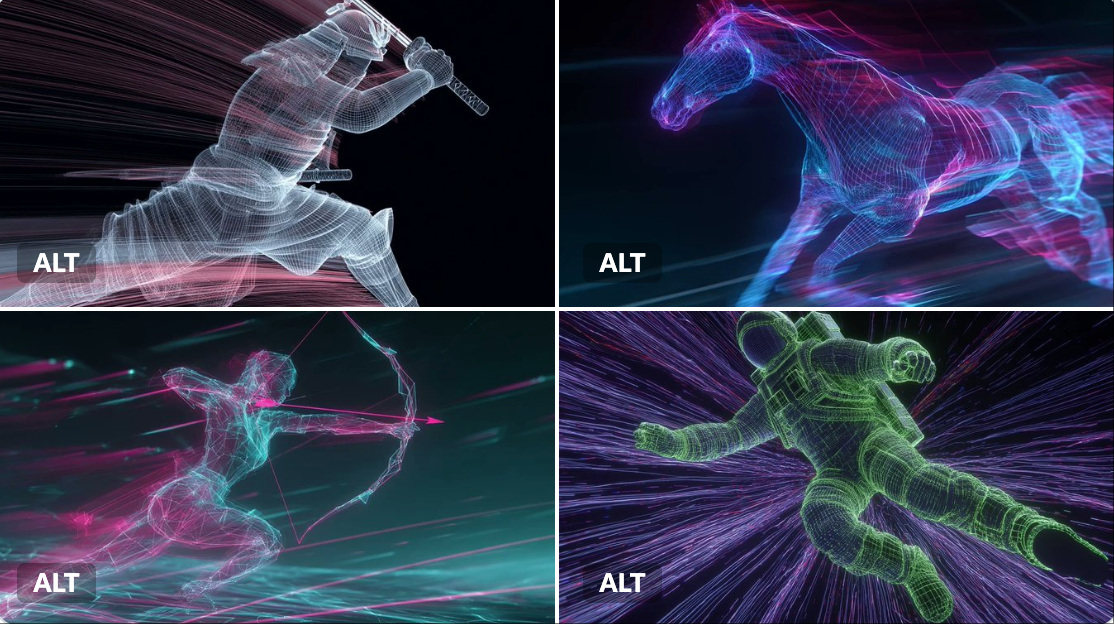
霓虹灯线框

霓虹夜店红衣女郎的迷人回眸
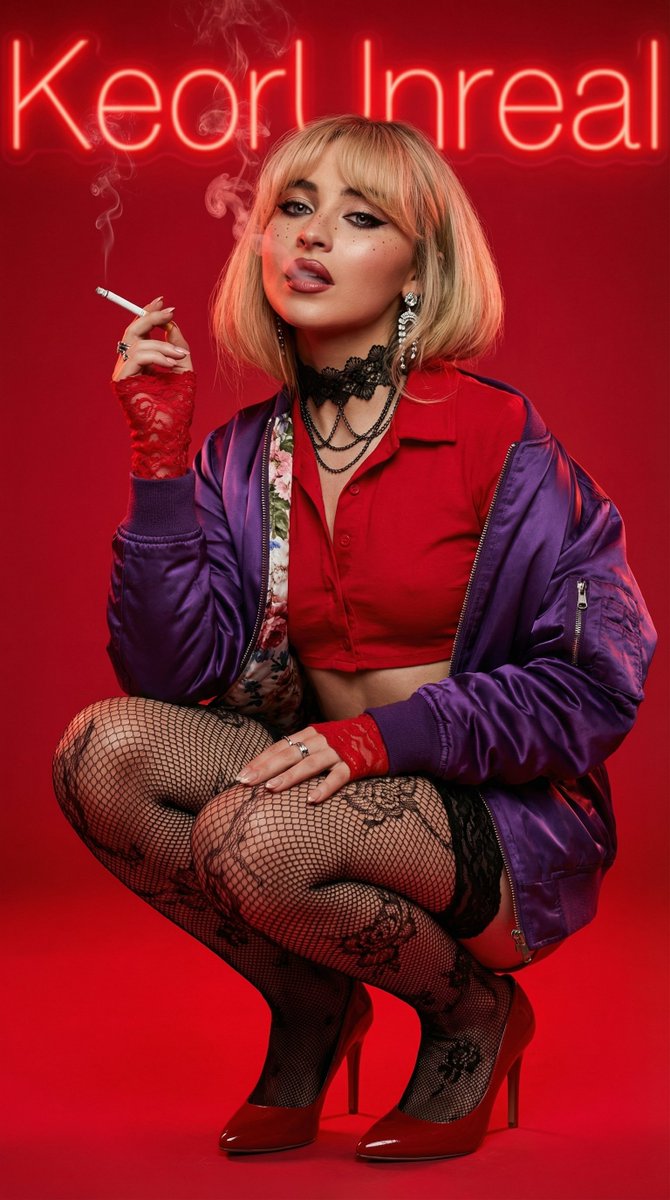
超写实红唇金发女郎抽烟前卫肖像

烈日泳池畔的极致沙漏尤物

治愈系皮克斯风格秋日暖阳少女
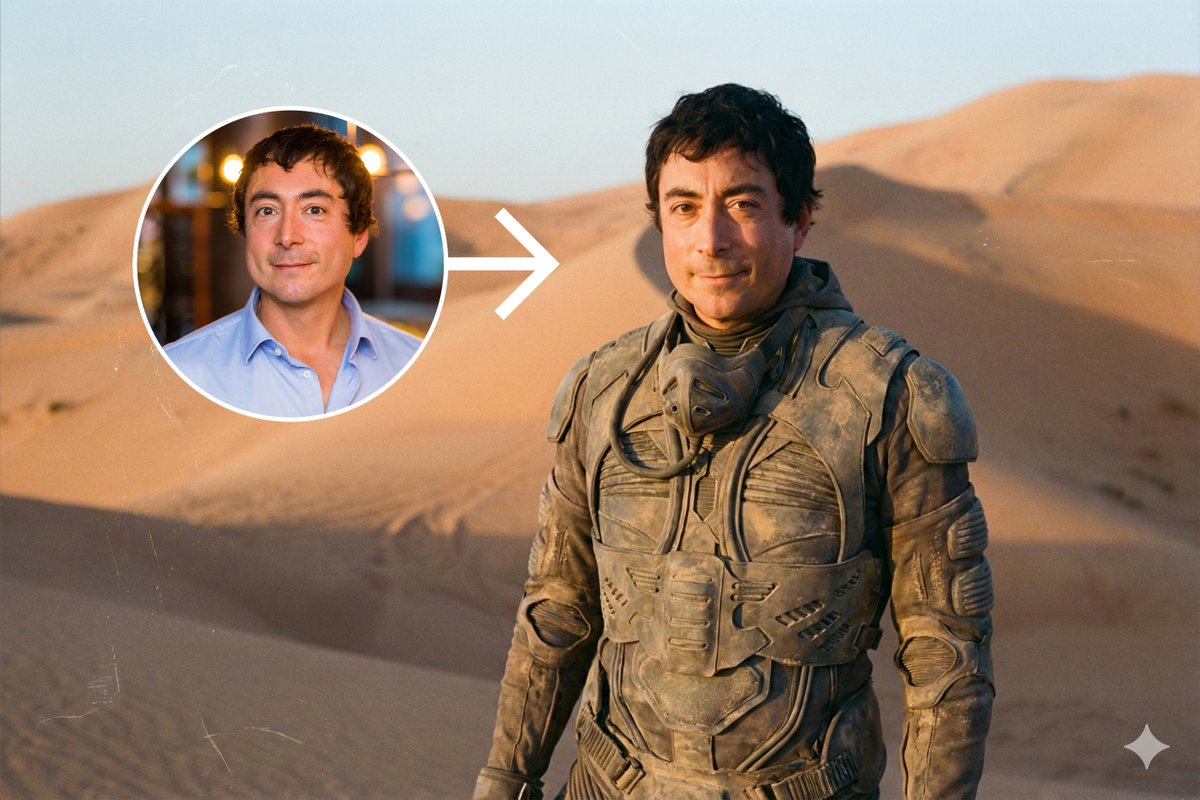
《沙丘》电影同款废土风沙漠人像写真
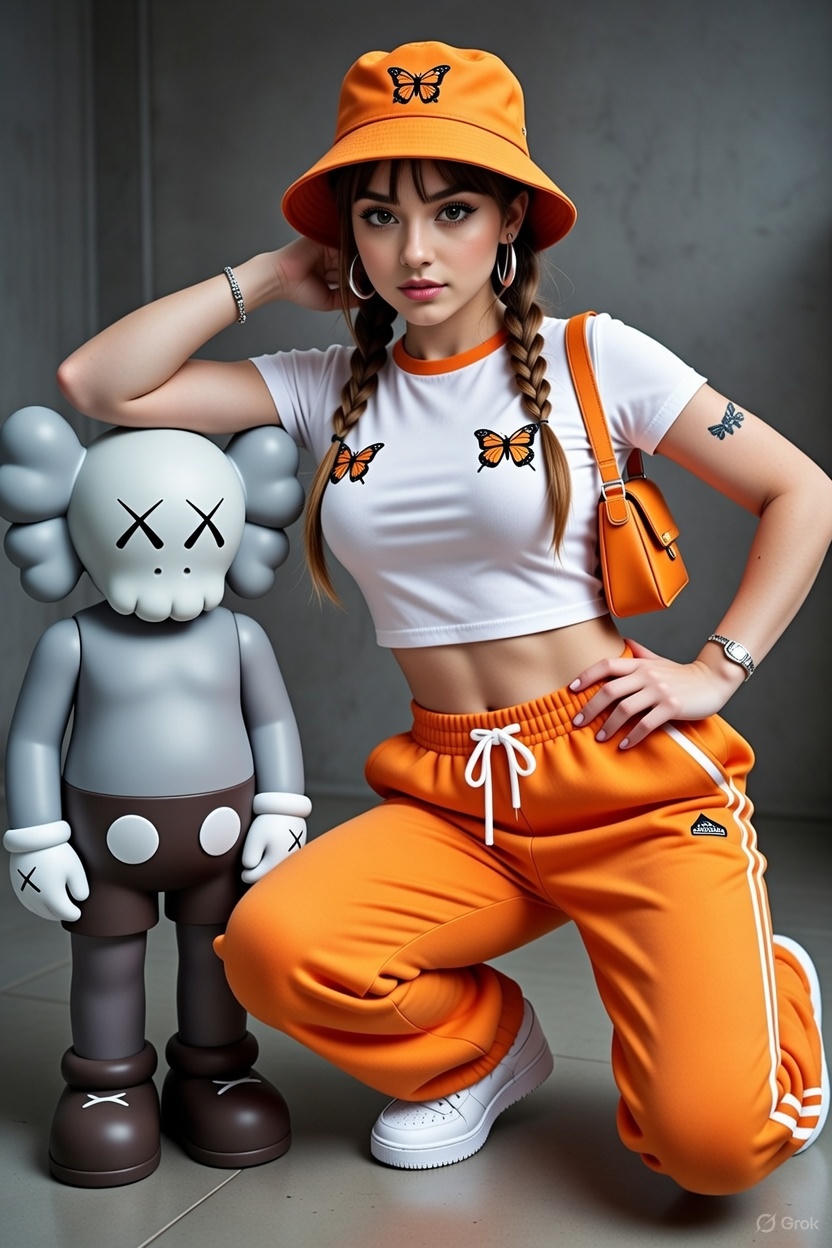
女性站在KAWS风格艺术雕塑旁

黄金时刻都市天台夏日写真
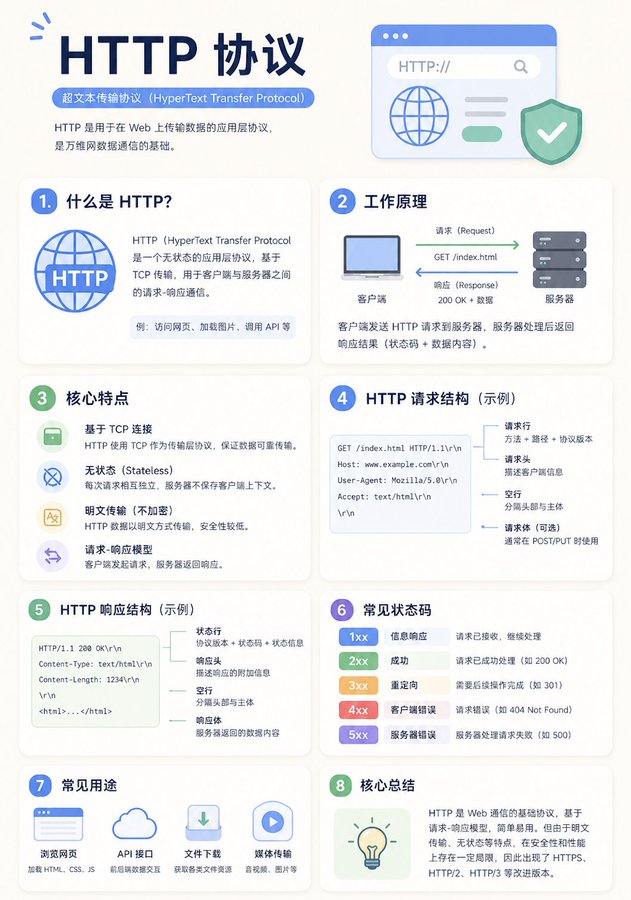
一张干净的教育类信息图海报,讲解「{知识主题}」,
【整体风格】 现代极简UI风格, 背景使用柔和浅色(如奶油色 #FAF7F2 / 浅灰蓝), 配色克制、舒适,适合长时间阅读,
【核心要求(关键)】 根据“知识主题”的信息结构,自然组织内容模块, 不要强制固定模块数量或顺序, 优先保证信息逻辑清晰,而不是形式对称,
【布局(自适应)】
- 使用网格布局(自动选择 2列 / 3列 / 不规则分布)
- 卡片数量根据内容自动调整(通常 5–9 个)
- 信息密度高的模块可适当放大(视觉权重更高)
- 简单内容模块可缩小或合并
【卡片设计】
- 白色卡片(#FFFFFF)
- 圆角 + 轻微阴影(柔和层级)
- 保持统一间距和对齐
【每个信息模块包含】
- 简洁插图(统一风格)
- 清晰标题(强层级)
- 1–3句核心说明(避免冗长)
- 必要时提供示例 / 对比 / 小结
【内容组织原则(重点)】 根据主题自动选择合适结构,例如:
- 概念类 → 定义 + 原理 + 特点 + 示例
- 对比类 → A vs B(对照结构)
- 流程类 → 步骤 / 流程图
- 系统类 → 组成部分 + 关系
- 技能类 → 方法 + 技巧 + 常见误区
【视觉层级】
- 标题 > 模块标题 > 正文 > 辅助信息
- 重要信息可用颜色或图标强调
【配色建议】
- 主色:根据主题选择(科技=蓝,学习=绿,警告=橙)
- 辅色:1–2种即可
- 避免高饱和、避免花哨
【风格要求】
- 大量留白,呼吸感强
- 图标统一(线性或扁平)
- 高可读性优先
- 教学导向清晰
【额外优化(可选)】
- 可以加入:对比块 / 流程箭头 / 结构图
- 可以有一个“核心总结”模块作为视觉收尾
A clean educational infographic poster explaining "{Knowledge Topic}",
[Overall Style] Modern minimalist UI style, Background uses soft light colors (such as cream #FAF7F2 / light grayish blue), Restrained and comfortable color scheme, suitable for long-time reading,
[Core Requirements (Key)] Naturally organize content modules according to the information structure of the "Knowledge Topic", Do not force a fixed number or order of modules, Prioritize clear information logic rather than formal symmetry,
[Layout (Adaptive)]
- Use grid layout (automatically choose 2 columns / 3 columns / irregular distribution)
- Number of cards automatically adjusts according to content (usually 5–9)
- Modules with high information density can be appropriately enlarged (higher visual weight)
- Simple content modules can be shrunk or merged
[Card Design]
- White cards (#FFFFFF)
- Rounded corners + slight shadow (soft hierarchy)
- Maintain consistent spacing and alignment
[Each Information Module Contains]
- Concise illustrations (unified style)
- Clear titles (strong hierarchy)
- 1–3 sentences of core explanation (avoid verbosity)
- Provide examples / comparisons / summaries when necessary
[Content Organization Principles (Key Point)] Automatically select the appropriate structure based on the topic, for example:
- Concept type → Definition + Principle + Characteristics + Example
- Comparison type → A vs B (contrast structure)
- Process type → Steps / Flowchart
- System type → Components + Relationships
- Skill type → Methods + Tips + Common misconceptions
[Visual Hierarchy]
- Title > Module title > Body text > Auxiliary information
- Important information can be emphasized with color or icons
[Color Suggestions]
- Primary color: Choose based on topic (Technology=Blue, Learning=Green, Warning=Orange)
- Secondary colors: 1–2 types are enough
- Avoid high saturation, avoid flashy
[Style Requirements]
- Plenty of white space, strong sense of breathing
- Unified icons (linear or flat)
- High readability priority
- Clear teaching orientation
[Extra Optimization (Optional)]
- Can add: Comparison blocks / Flow arrows / Structure diagrams
- Can have a "Core Summary" module as a visual ending